Install.
Start.
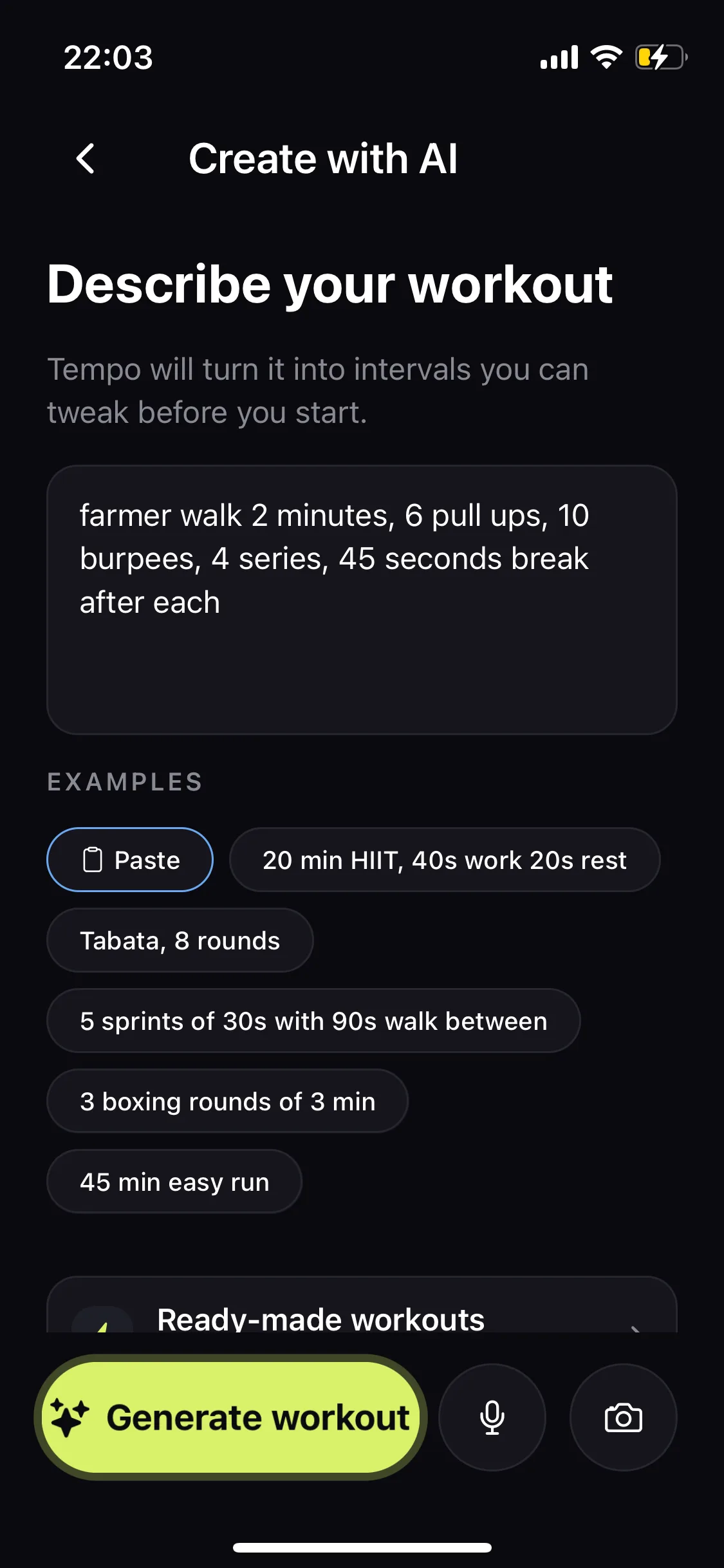
Type it, say it or snap the gym whiteboard — in your language. Tempo builds the intervals and runs them. No profile to fill in, no reps to log.
Written in Polish — cues spoken in Polish.
Snap the whiteboard.
Take a photo of today's WOD, or pick a screenshot from Instagram or your box's app. Tempo reads it into the prompt — fix anything, then build.
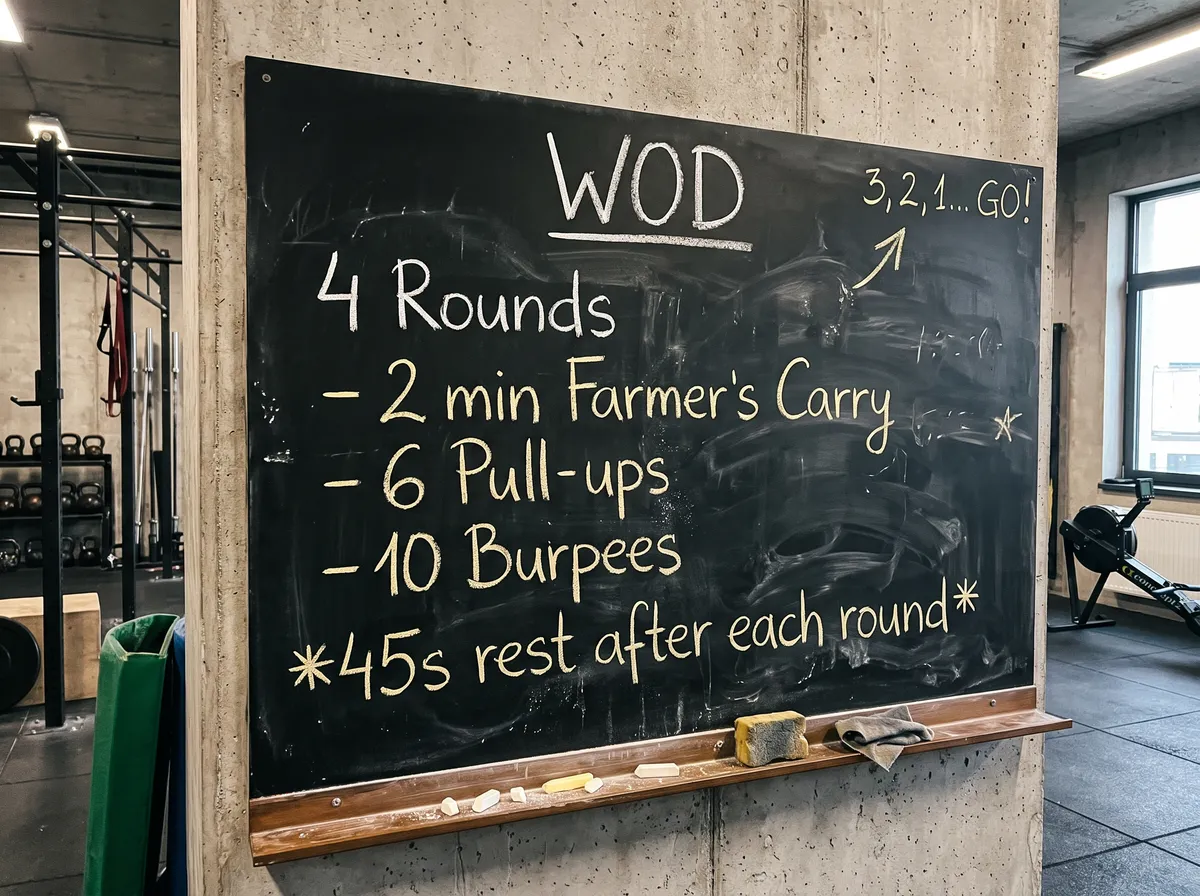
WOD
4 Rounds
- 2 min Farmer's Carry
- 6 Pull-ups
- 10 Burpees
*45s rest after each round*
4× rounds
- 2:00Farmer's carry
- 6 repsPull-ups
- 10 repsBurpees
- 0:45Rest
Reading a photo never uses your monthly AI workouts.
Less app. More workout.
- Create an account
- Confirm your email
- Height
- Weight
- BMI
- Fitness goal
- Experience level
- Choose a plan
That's the whole onboarding. Tempo doesn't need your weight to time your intervals.
- Set 1 · 12 reps · 40 kg
- Set 2 · 10 reps · 40 kg
- Set 3 · 8 reps · 42.5 kg
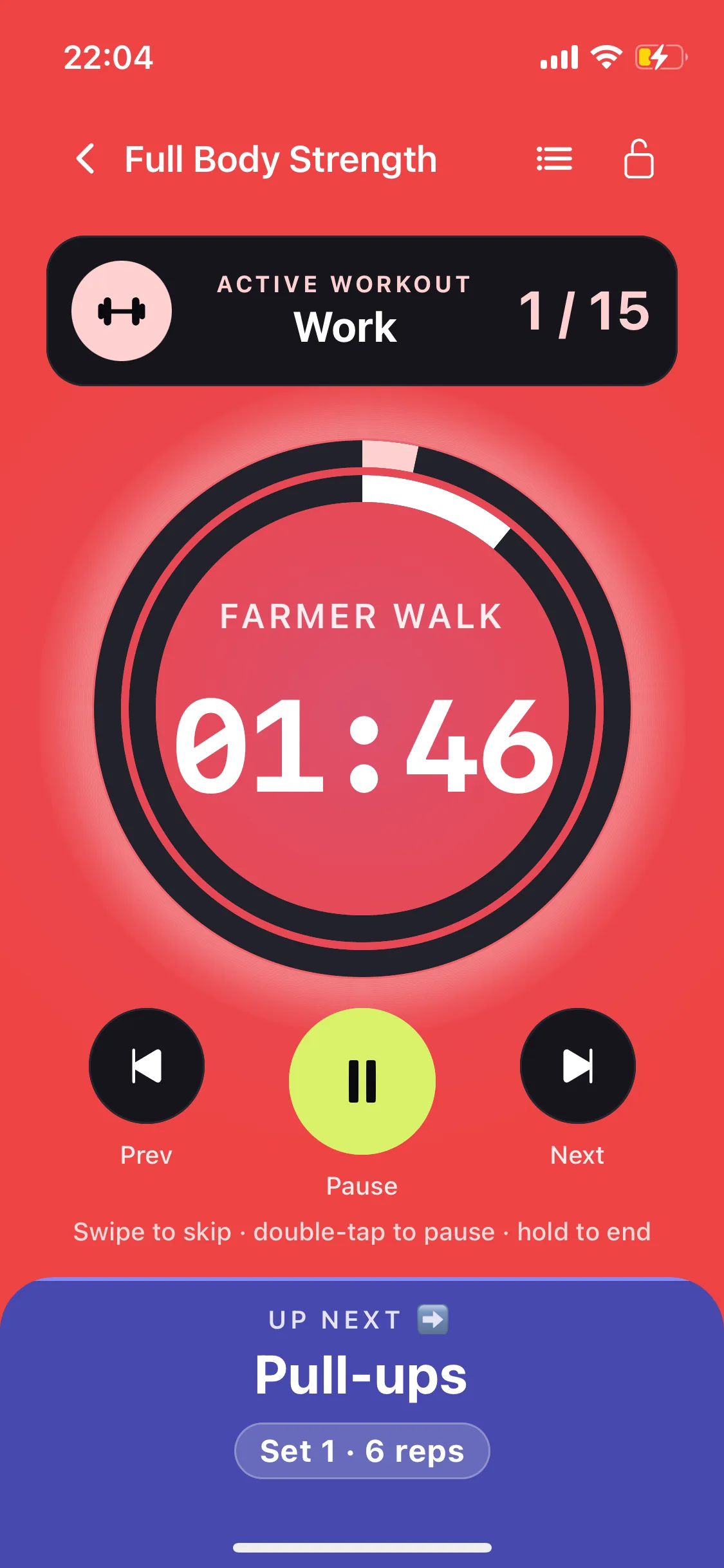
Tempo moves you from block to block. Your hands stay on the bar.
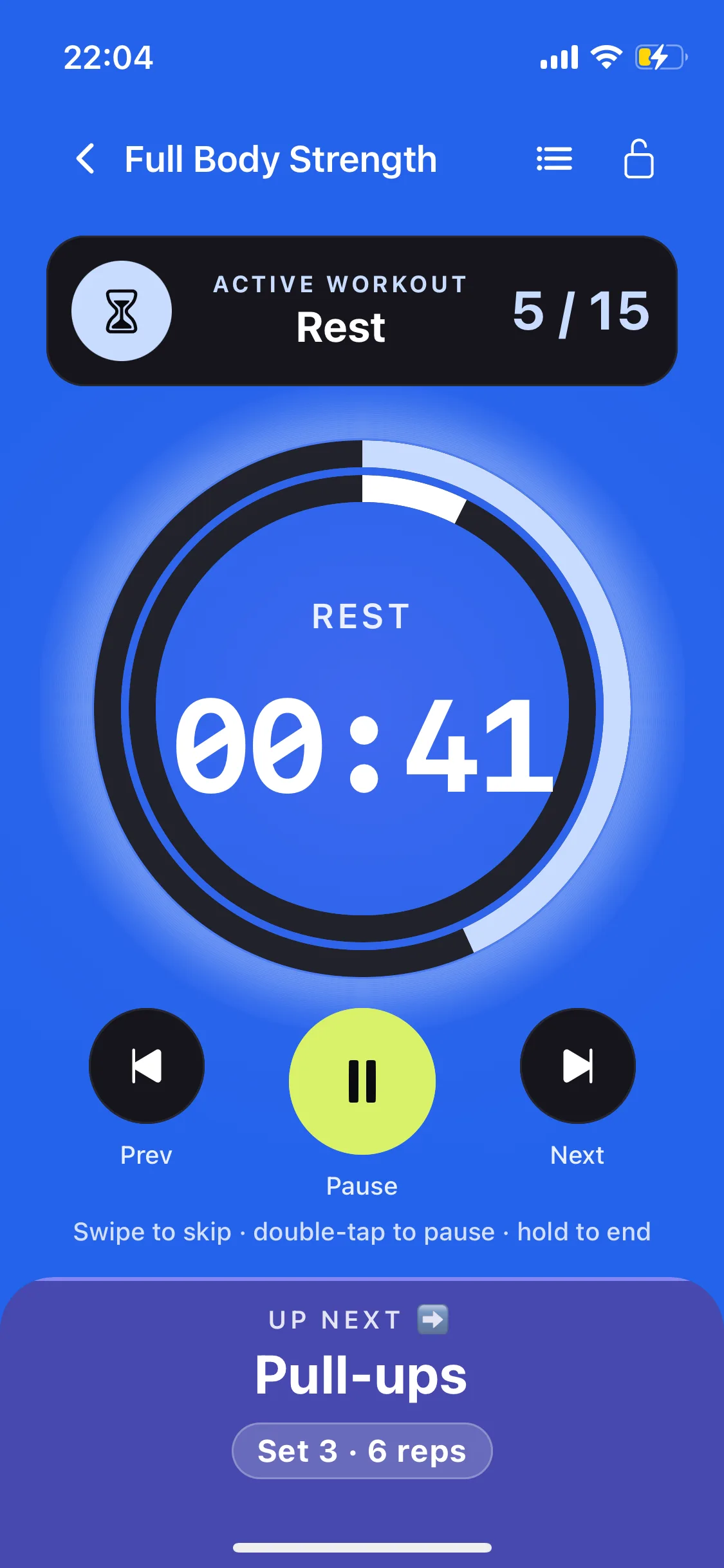
- 60 s rest
- …and 4 minutes of scrolling
Left Tempo during rest? A notification tells you when the next block starts. Tap to return to your workout.
Readable mid-burpee.
Free to start. Pro to go further.
No ads. The core timer is free for everyone.
Free
$0
- Timer, stopwatch and presets
- Your own workouts and history
- Voices and themes
- 5 AI-generated workouts every month
- Whiteboard photos — reading them never uses your AI workouts
- Current month in the calendar
Tempo Pro
Monthly or yearly — 7-day free trial on yearly
- Up to 100 AI-generated workouts a month
- Full calendar history
- Every saved workout
- Workout planning with reminders
- Weekly training template
Pro is an optional auto-renewing subscription. Prices are shown in the app before you buy and may vary by country.
What's next.
Tempo is growing. Here's what we're building now.
- Soon
Exercise & workout library
Browse ready-made workouts and exercises, then start one in a tap.
- Soon
Share workouts
Send a workout to a friend or your box — they open it straight in Tempo.
- Soon
Strava sync
Finished workouts saved to your Strava automatically.
- Soon
Smartwatch app
The timer on your wrist, so your phone can stay in the bag.
Hi, I'm Mati.
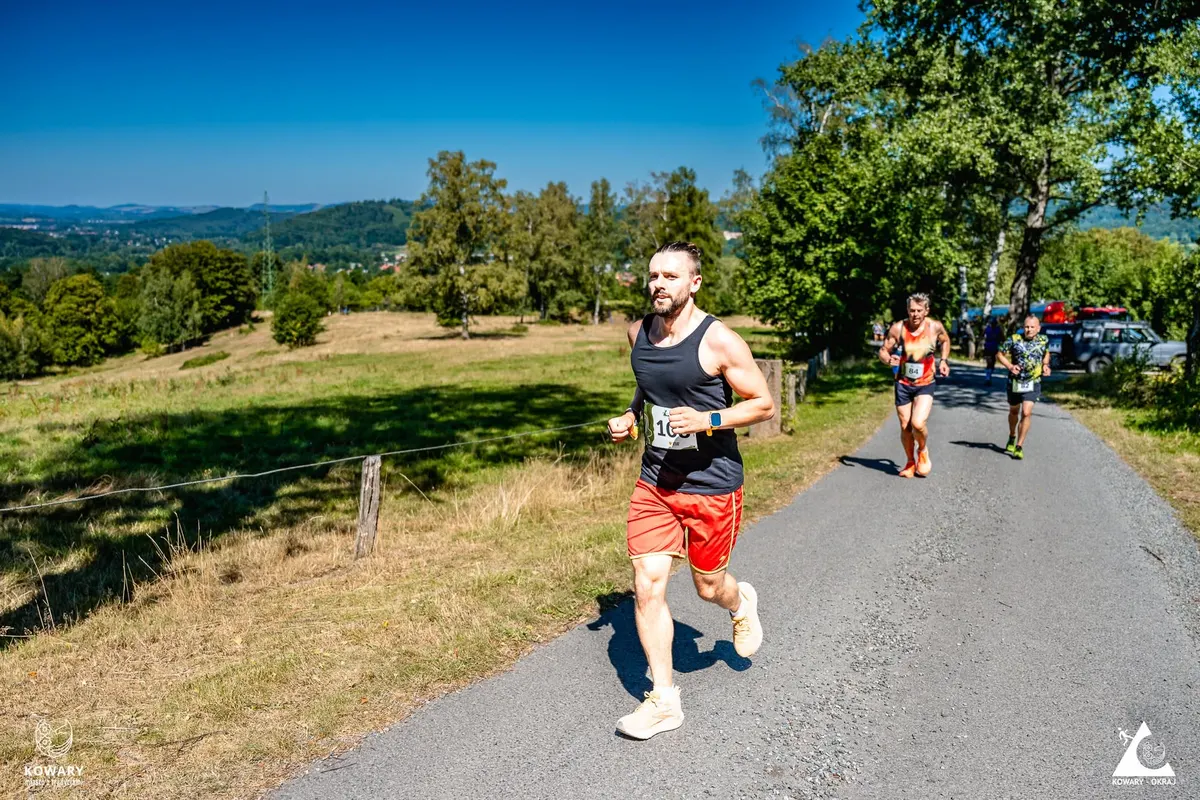
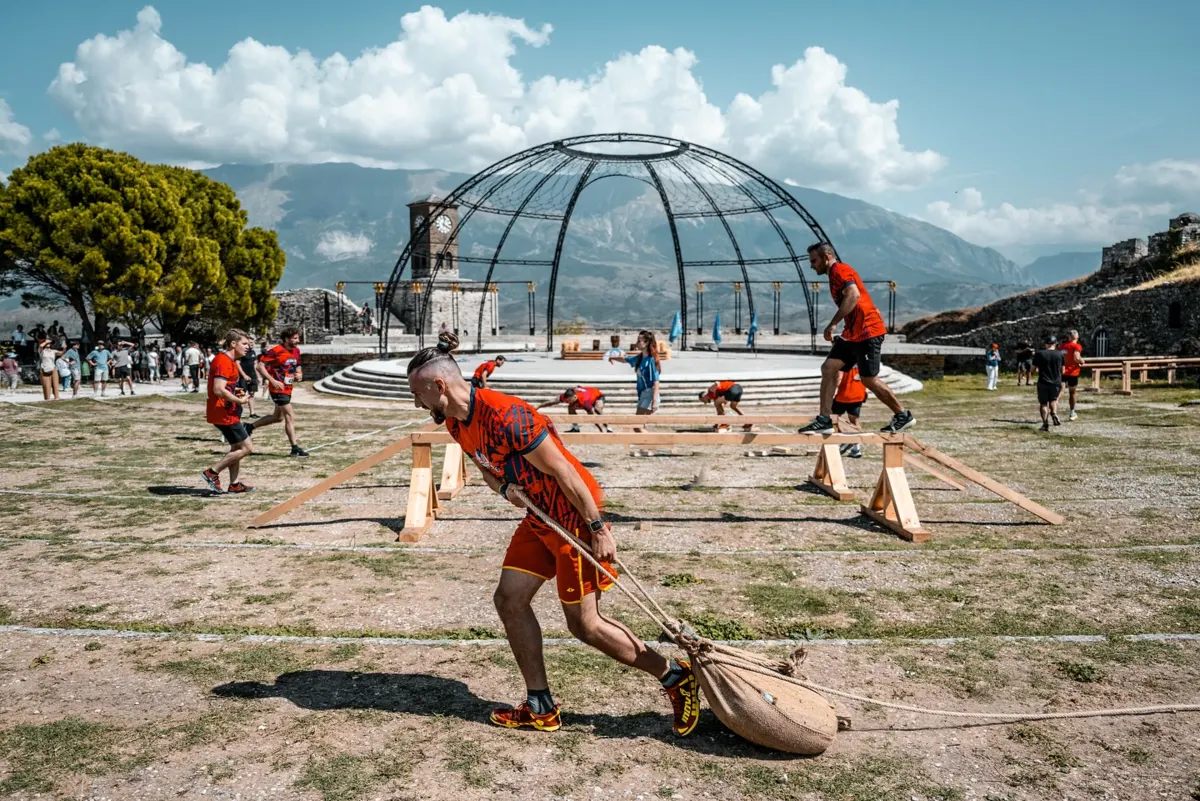
I'm a software developer and an amateur athlete — running, middle-distance races, calisthenics and OCR. My workouts often have many parts, they get hard, and they need rests. That's where I kept losing my rhythm.
Other apps wouldn't let me build longer workouts that mix timed exercises with reps, and typing in a plan from my coach took ages. I wanted something that just lets me train.
I also wanted to keep the pace. Everyone's annoyed by the person who sits on the machine scrolling their phone instead of training — maybe they just need a nudge to get back to it. So Tempo stays simple.
Missing something? Tell me.
No account. Analytics are anonymous, and crash reports never include your prompts or workouts. Prompts, voice recordings and whiteboard photos are used only to build your workout — Tempo's servers don't keep them. Read the privacy policy.